
Floating elements
11/14/25About 4 min
Floating elements
- The
floatproperty can be used to move an HTML element to the far left or to the far right of its parent element floatis primarily used to float text around pictures
<h1>Float</h1> <p> <img id="img1" src="https://picsum.photos/id/309/200/150" alt="Leaf"> <img id="img2" src="https://picsum.photos/id/35/200/150" alt="Cactus"> Lorem ipsum dolor sit amet, consectetur adipisicing elit. Voluptates eaque nihil quo ipsum tempore tenetur ipsam laborerepellat, ea vitae asperiores ex voluptas aut, iure ut consequuntur libero reprehenderit, neque perspiciatis? </p> <p> Lorem ipsum dolor sit amet, consectetur adipisicing elit. Molestias repellendus commodi sit rerum sint accusamus molestiae doloribus vitae, vel eveniet amet perspiciatis voluptates laborum voluptatum optio cupiditate mollitia ratione id facilis temporibus laudantium esse earum ea fugit provident! </p>
         * { margin: 0; padding: 0; box-sizing: border-box; }
 html { font-size: 16px; }
 body { font-family: Arial, "Helvetica Neue", Helvetica, sans-serif; line-height: 1.5; padding: 1rem; }
 p { text-align: justify; margin-bottom: 1rem; }
 img { background-color: #f5bda6; padding: .5rem; }
 #img1 { /* float: right; margin-left: 1rem; margin-bottom: 1rem; */ }
 #img2 { /* float: left; margin-right: 1rem; margin-bottom: 1rem; */ }
Tips
For the best viewing results, open this CodePen in a separate window by clicking on EDIT ON CODEPEN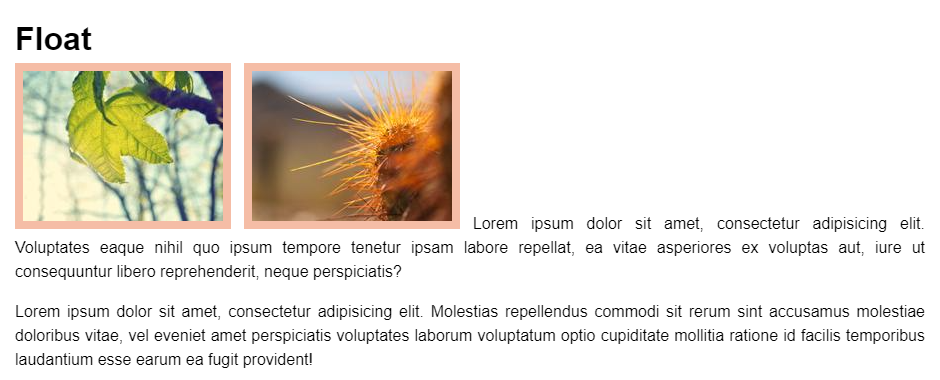
Float right
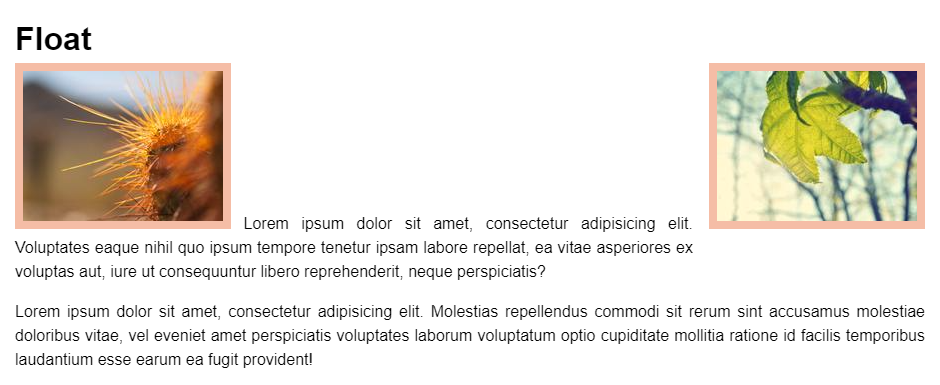
- In Codepen, edit the first image by adding some extra code:
- Float
#img1to therightside of its parent element - Give the image some extra space by adding some margin at the
leftandbottom
- Float
#img1 {
    float: right;
    margin-left: 1rem;
    margin-bottom: 1rem;
}
Float left
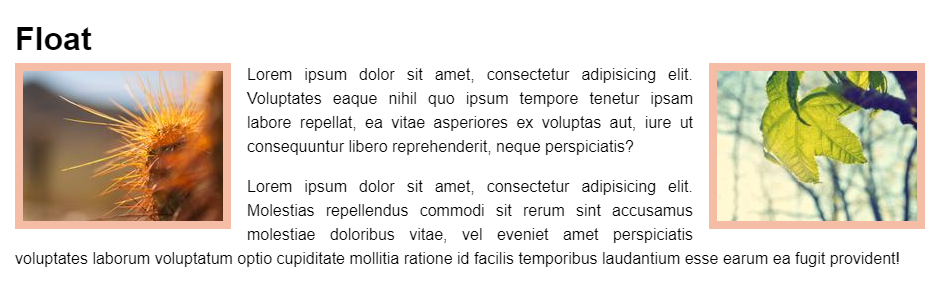
- In CodePen, edit the second image by adding some extra code:
- Float
#img2to theleftside of its parent element - Give the image some extra space by adding some margin at the
rightandbottom
- Float
#img2 {
    float: left;
    margin-right: 1rem;
    margin-bottom: 1rem;
}
Stop floating
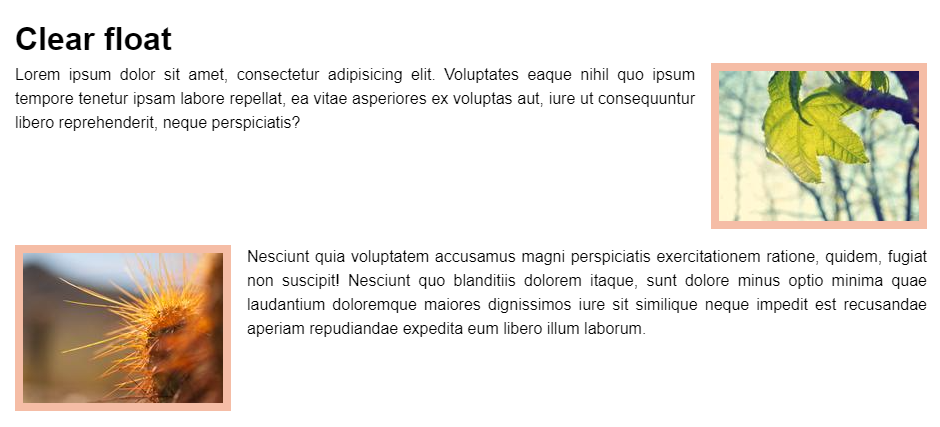
Clear float
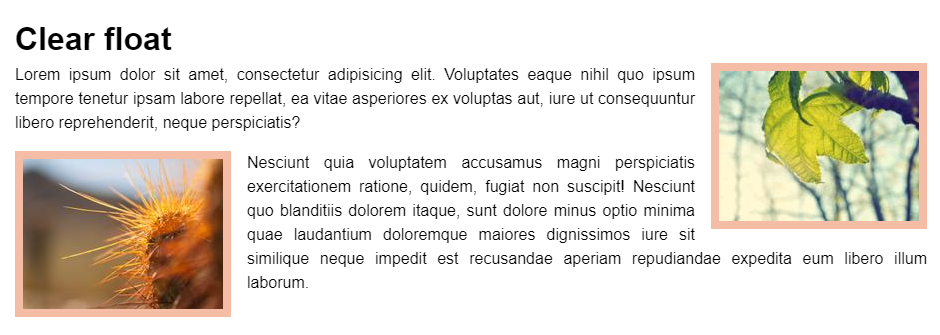
- Sometimes you want the floating to stop because it will break the layout
- In the next example, we want the second paragraph below the first paragraph
- You can stop the floating by adding the
clear: bothproperty to the second paragraph
(bothmeans that there can't be a floating element on the left or on the right) - You probably need this more than once in a website, so it's best to make a special class for this
.clearfloat {
    clear: both;
}- Add the class
.clearfloatto the second paragraph
<p class="clearfloat">
    <img ... />
    ...
</p>
<h1>Clear float</h1> <p> <img id="img1" src="https://picsum.photos/id/309/200/150" alt="Leaf"> Lorem ipsum dolor sit amet, consectetur adipisicing elit. Voluptates eaque nihil quo ipsum tempore tenetur ipsam labore repellat, ea vitae asperiores ex voluptas aut, iure ut consequuntur libero reprehenderit, neque perspiciatis? </p> <p class=""> <img id="img2" src="https://picsum.photos/id/35/200/150" alt="Cactus"> Nesciunt quia voluptatem accusamus magni perspiciatis exercitationem ratione, quidem, fugiat non suscipit! Nesciunt quo blanditiis dolorem itaque, sunt dolore minus optio minima quae laudantium doloremque maiores dignissimos iure sit similique neque impedit est recusandae aperiam repudiandae expedita eum libero illum laborum. </p>
         * { margin: 0; padding: 0; box-sizing: border-box; }
 html { font-size: 16px; }
 body { font-family: Arial, "Helvetica Neue", Helvetica, sans-serif; line-height: 1.5; padding: 1rem; }
 p { text-align: justify; margin-bottom: 1rem; }
 img { background-color: #f5bda6; padding: .5rem; }
 #img1 { float: right; margin-left: 1rem; margin-bottom: 1rem; }
 #img2 { float: left; margin-right: 1rem; margin-bottom: 1rem; }
 .clearfloat { clear: both; }
Clear fix
- Clearing floats is not always a good solution
- Let's go back to the first example, but with some additional styling added to the paragraphs

- If we add the class
clearfloatto the second paragraph (as we did before), the floating stops, but the images don't stay within their parent paragraph
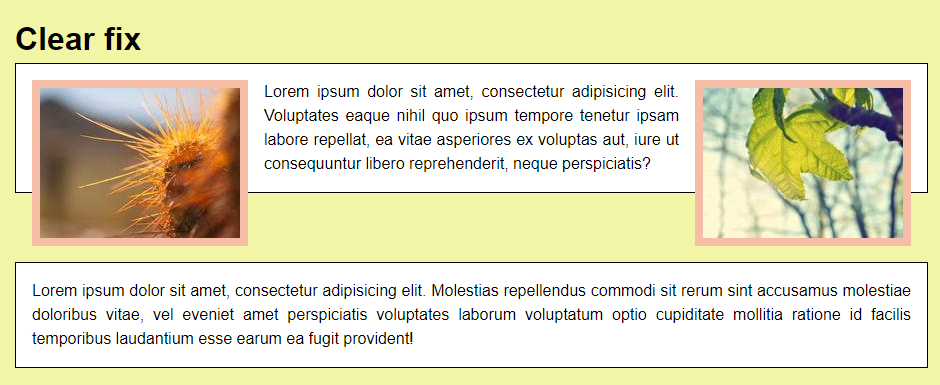
- To fix this behavior (= to ensure that the parent element will expand to a proper height enclosing its floating children), you can use the style rule
overflow: auto;on the parent (or ancestor) tag - You probably need this more than once in a website, so it's best to make a special class for this
.clearfix {
    overflow: auto;
}- Add the class
clearfixto theptag that contains the floating images (and remove the classclearfloatfrom the second paragraph)
<p class="clearfix">
    <img ... />
    <img ... />
    ...
</p>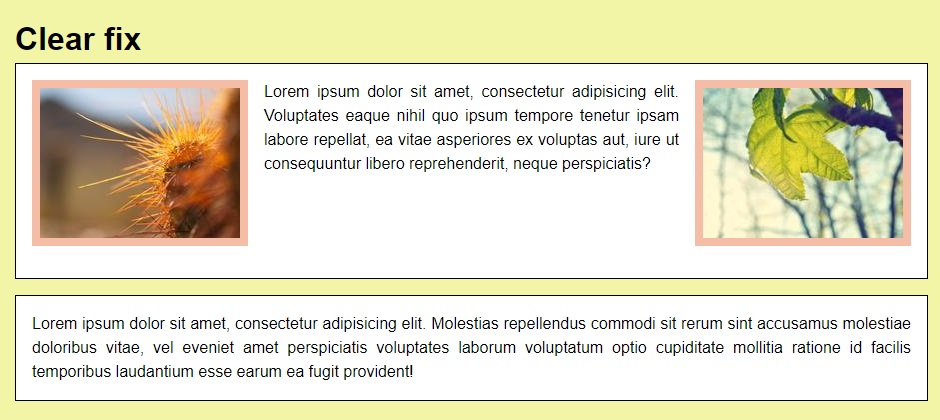
<h1>Clear fix</h1> <p class=""> <img id="img1" src="https://picsum.photos/id/309/200/150" alt="Leaf"> <img id="img2" src="https://picsum.photos/id/35/200/150" alt="Cactus"> Lorem ipsum dolor sit amet, consectetur adipisicing elit. Voluptates eaque nihil quo ipsum tempore tenetur ipsam labore repellat, ea vitae asperiores ex voluptas aut, iure ut consequuntur libero reprehenderit, neque perspiciatis? </p> <p class=""> Lorem ipsum dolor sit amet, consectetur adipisicing elit. Molestias repellendus commodi sit rerum sint accusamus molestiae doloribus vitae, vel eveniet amet perspiciatis voluptates laborum voluptatum optio cupiditate mollitia ratione id facilis temporibus laudantium esse earum ea fugit provident! </p>
         * { margin: 0; padding: 0; box-sizing: border-box; }
 html { font-size: 16px; }
 body { font-family: Arial, "Helvetica Neue", Helvetica, sans-serif; line-height: 1.5; background-color: #f3f5a6; padding: 1rem; }
 p { margin-bottom: 1rem; text-align: justify; border: 1px solid #000; background-color: #fff; padding: 1rem; }
 img { background-color: #f5bda6; padding: .5rem; }
 #img1 { float: right; margin-left: 1rem; margin-bottom: 1rem; }
 #img2 { float: left; margin-right: 1rem; margin-bottom: 1rem; }
 .clearfloat { clear: both; }
 .clearfix { overflow: auto; }
Emmet
| EMMET instruction | result |
|---|---|
fl + TAB | float: left; |
fl:r + TAB | float: right; |
cl + TAB | clear: both; |
cl:b + TAB | clear: both; |
ov:a + TAB | overflow: auto; |